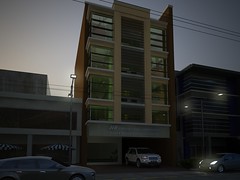
Suppose you are given by your Boss only 5 hours to finish an architectural visualization on a 5 storey commercial building with an area of about a 100 square meters. It seems impossible to finish such presentation in a very short period of time. It is "Possible."I, an architecture student and working part time as an architectural visualizer can do this with sofware suited for the work.

This image made using 4 software.
Plans are made using Autodesk's Autocad 2009. The
3d model is modelled using Googles Sketchup 7.
Texturing and
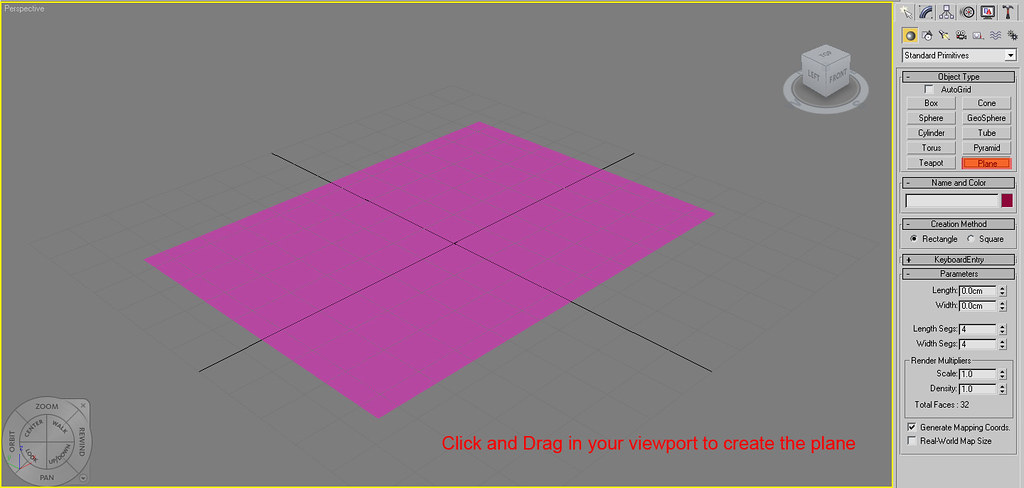
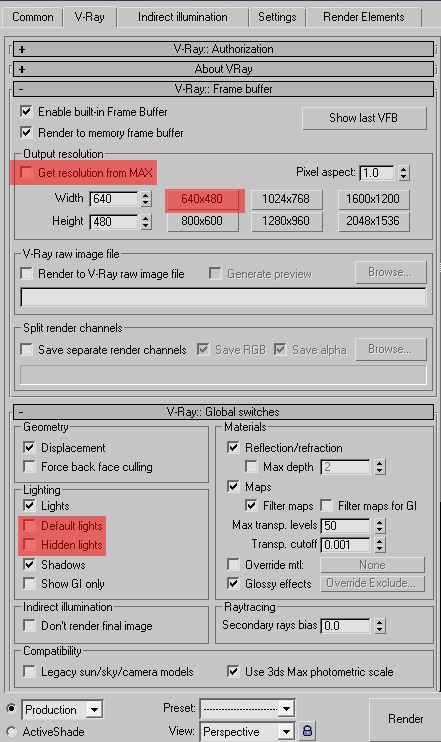
Lighting made using Autodesk's 3dsmax 2009 with Vray sp2 as its rendering engine.
Post Processing is made using Photoshop CS4.