


Open your 3ds Max application
NOTE: YOU COULD CLICK ON THE IMAGES TO ENLARGE
STEP I.
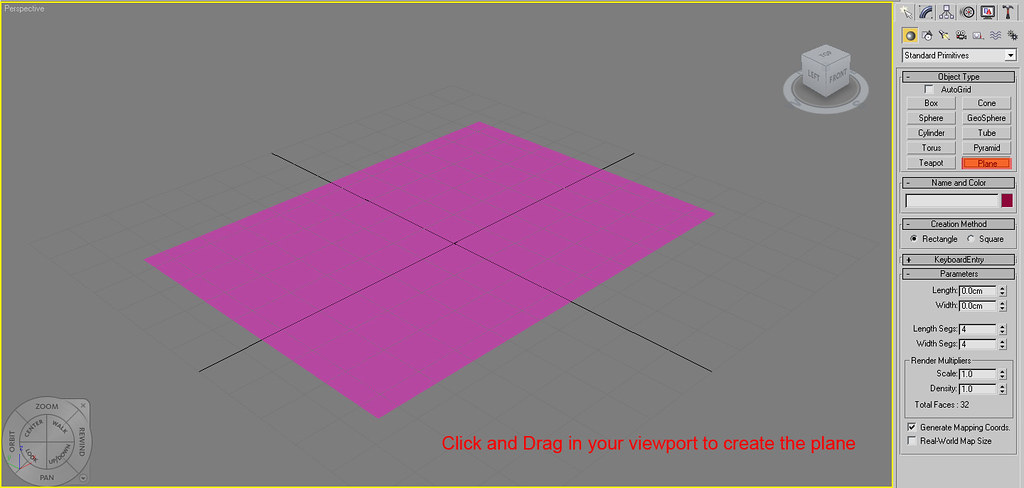
We will start by create a plane with a dimension of 200cm X 280cm
STEP II.
Open your material editor. Shortcut key = "M"
On the material editor, Create a VRay material.


