Showing posts with label Tutorials. Show all posts
How to make a realistic Grass with VRay 3dsMax tutorial

Open your 3ds Max application

NOTE: YOU COULD CLICK ON THE IMAGES TO ENLARGE
STEP I.

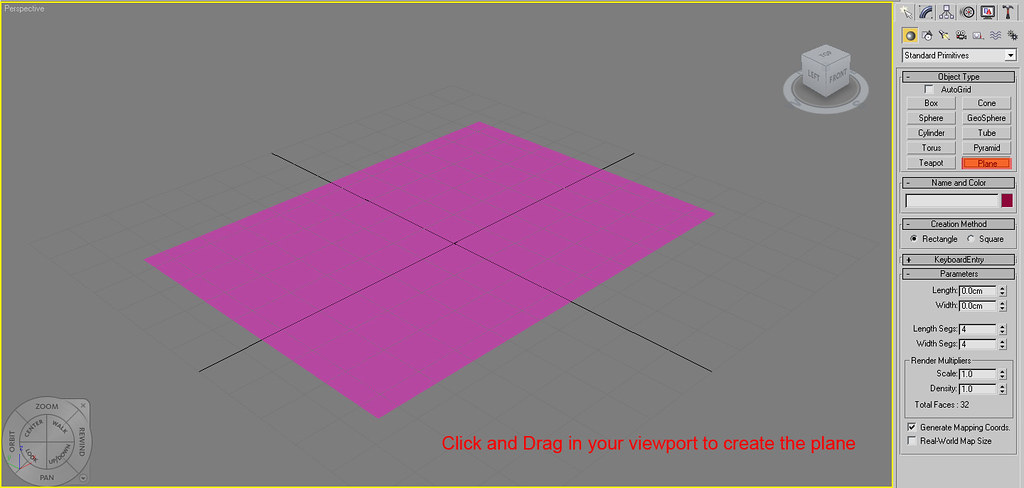
We will start by create a plane with a dimension of 200cm X 280cm

STEP II.
Open your material editor. Shortcut key = "M"
On the material editor, Create a VRay material.
Google SketchUp Pro Series, SketchUp & CADIn this tutorial we will learn how to export sketchup models to 3ds Max.

STEP I.
When we are done modeling with sketchup, make sure that all faces in your model are in a front face.
How do we know that a face is in its front face?
Refer to the image below:

If a face is in its back face, Right click on the face and click "Reverse Faces."


I used 3dmax 2009 and Vray SP2 in this tutorial.

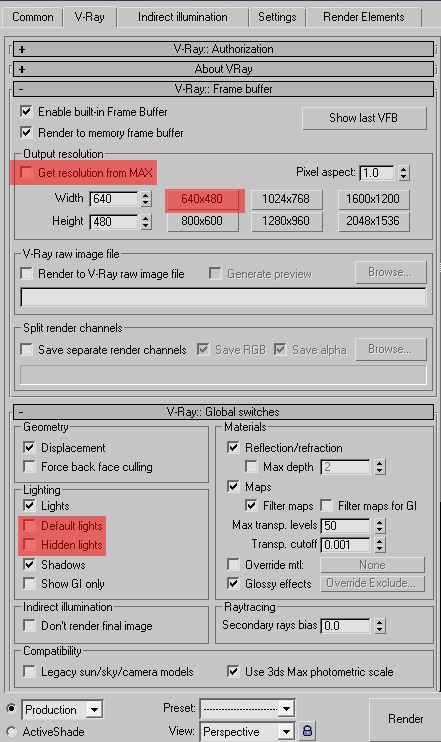
PART I. Assigning vray as the default renderer

Step I. On you 3ds max window, hit F10 to open up the render set up.

Step II. On the common tab, go to Assign Renderer.

Step III. Refer to the image below.